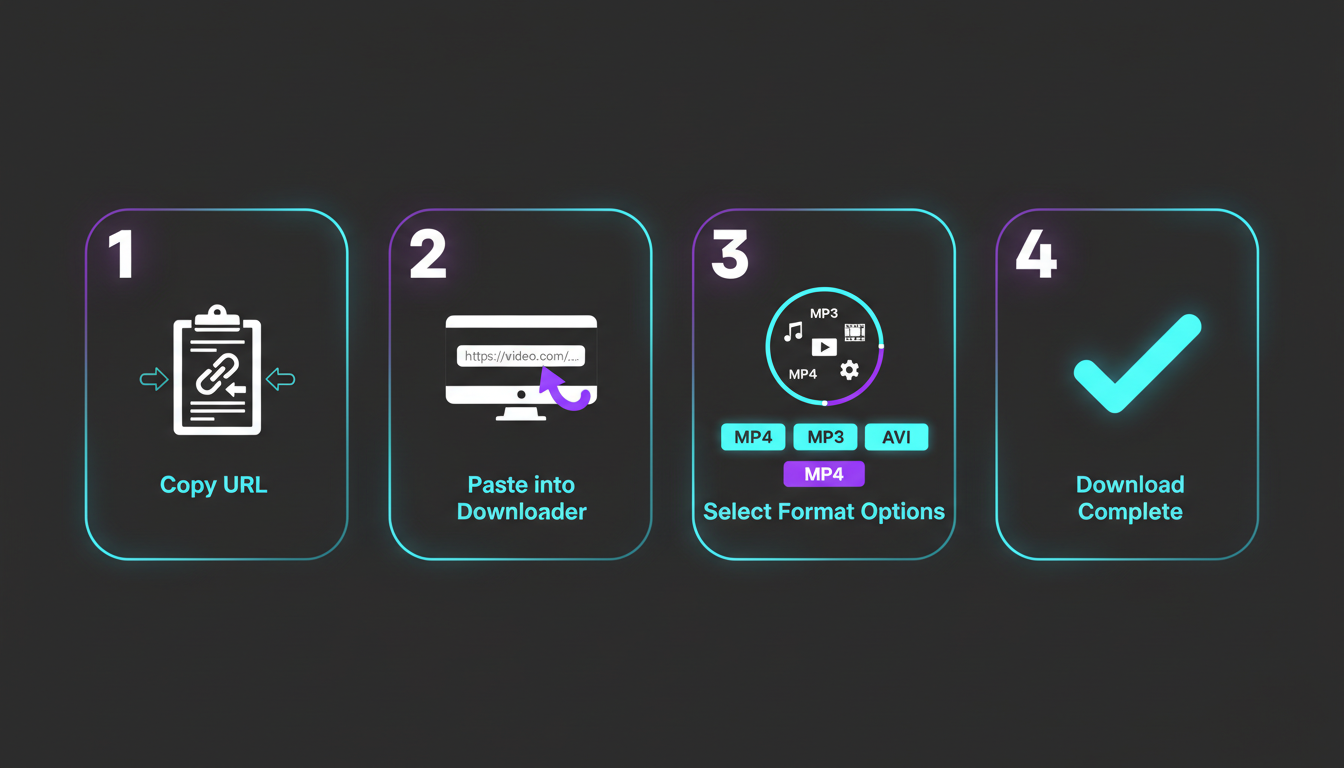
How to Download Videos

Complete step-by-step guide to downloading videos from YouTube, TikTok, Instagram, Facebook, and 1000+ platforms in just 3 simple steps.

1

Copy the Video URL

First, you need to get the URL of the video you want to download. Here's how to do it on different platforms:

YouTube

  1. Open the YouTube video
  2. Click the Share button below the video
  3. Click Copy link
  4. Or copy from the address bar

TikTok

  1. Open the TikTok video
  2. Tap the Share arrow
  3. Tap Copy link
  4. The URL is now copied

Instagram

  1. Open the Instagram post/Reel
  2. Tap the three dots (⋯)
  3. Select Copy link
  4. URL copied to clipboard

Facebook

  1. Open the Facebook video
  2. Click Share below the video
  3. Select Copy link
  4. Or copy from address bar
2

Paste URL into VidMate

Now that you have the video URL copied, it's time to paste it into VidMate Downloadz:

1

Open VidMate Downloadz

Go to vidmatedownloadz.com in your browser

2

Click the Input Field

Click on the text box that says "Paste video URL here..."

3

Paste the URL

Press Ctrl+V (Windows) or Cmd+V (Mac), or click the clipboard icon

3

Select Format & Download

Choose your preferred format and quality, then download your video:

Video Formats

  • MP4 (Recommended)
  • WEBM
  • AVI
  • MOV

Audio Formats

  • MP3 (Recommended)
  • AAC
  • WAV
  • FLAC
1

Select Format

Choose MP4 for video or MP3 for audio-only from the dropdown menu

2

Click Download

Press the blue "Download" button and wait for processing

3

Save Your File

The file will automatically download to your device's default download folder

Video Tutorial Coming Soon

We're working on a comprehensive video guide. Check back soon!

Platform-Specific Guides

Detailed instructions for popular platforms

YouTube

Download videos, playlists, and Shorts in HD quality

Read Guide →

TikTok

Save TikTok videos without watermark

Read Guide →

Instagram

Download Reels, Stories, and Posts

Read Guide →

Facebook

Save Facebook videos and Live streams

Read Guide →

Twitter/X

Download Twitter videos and media

Read Guide →

More Platforms

Vimeo, Dailymotion, SoundCloud & more

View All →

Ready to Try It Yourself?

Now that you know how to use VidMate Downloadz, give it a try!

Start Downloading Now